
A video banner looks best when the video matches the banner's exact size. You can resize any video in Adobe Express, then add it to your banner in PageBuilder.
Resize the Video in Adobe Express
Sign in to Adobe Express at new.express.adobe.com.
Click Video.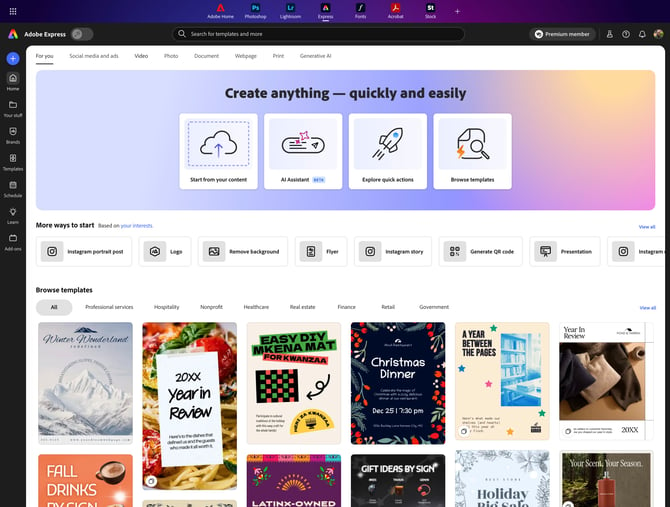
Click Resize Video.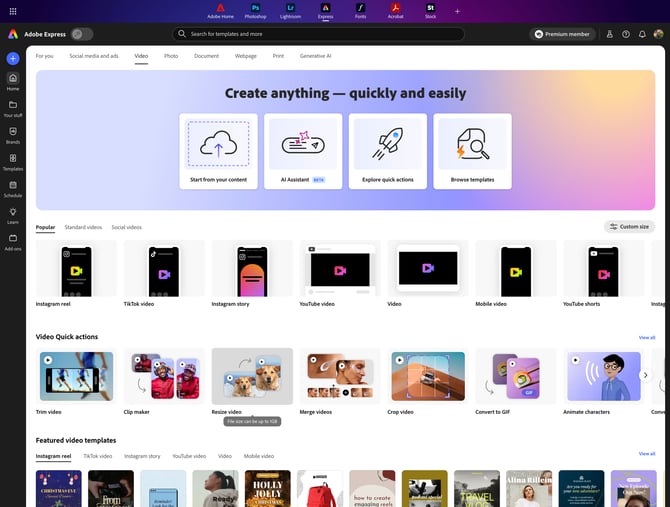
Click the Aspect ratio dropdown.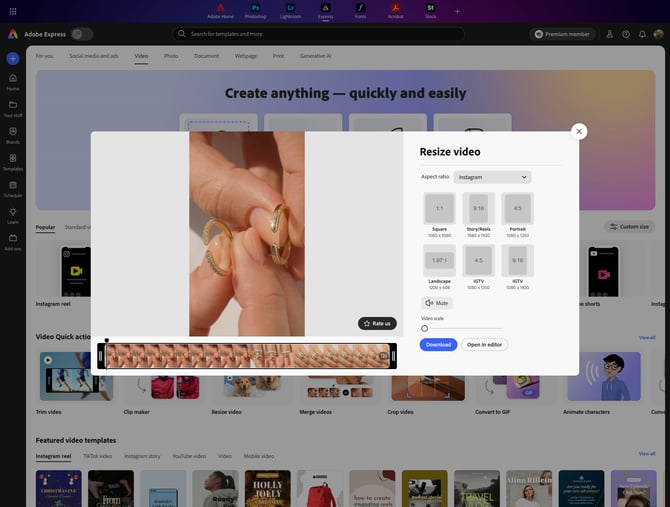
Select Custom.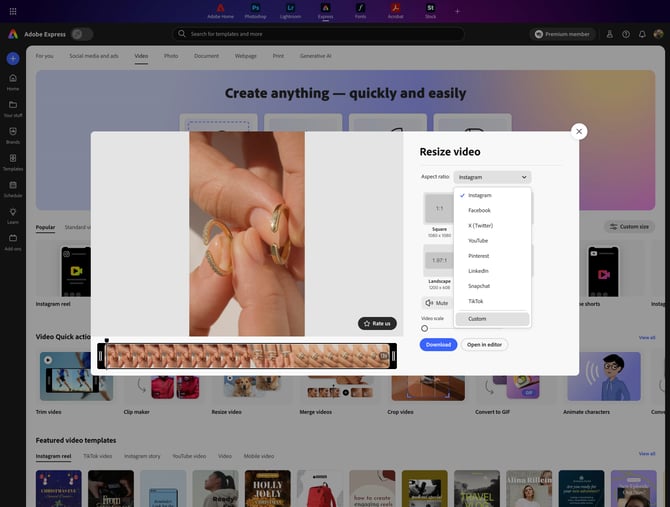
Unlock the ratio so you can set the width and height separately.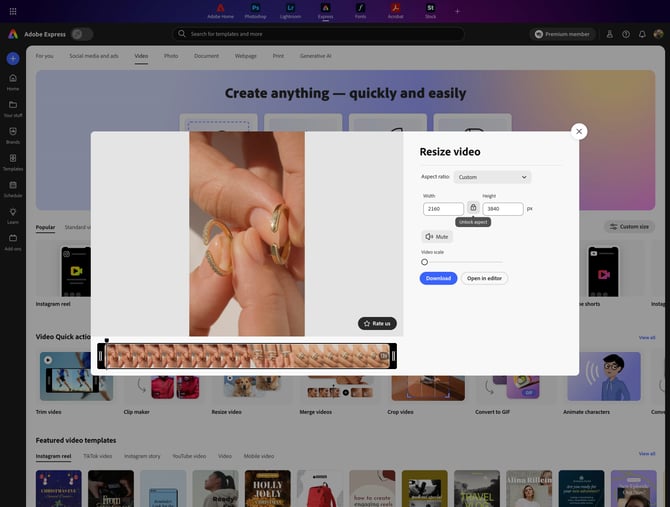
Enter the width and height of your banner.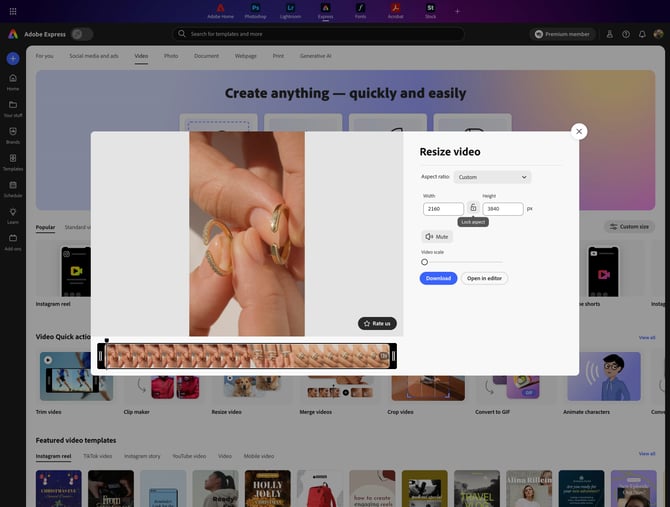
If the video is for a main banner, mute it.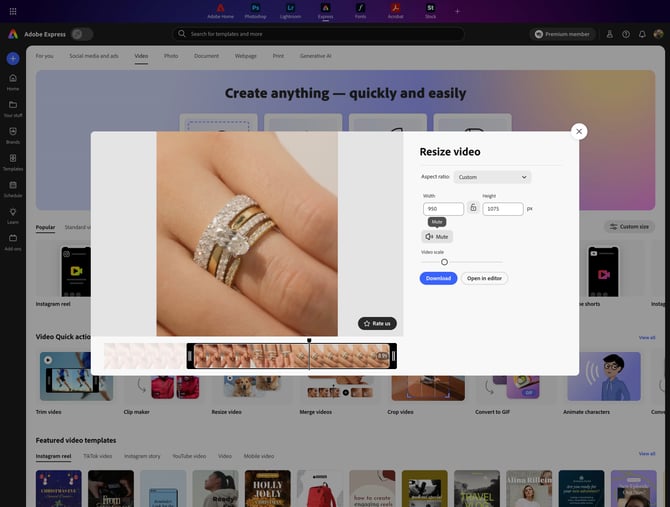
Take a screenshot of the video preview to use as the cover image, then click Download.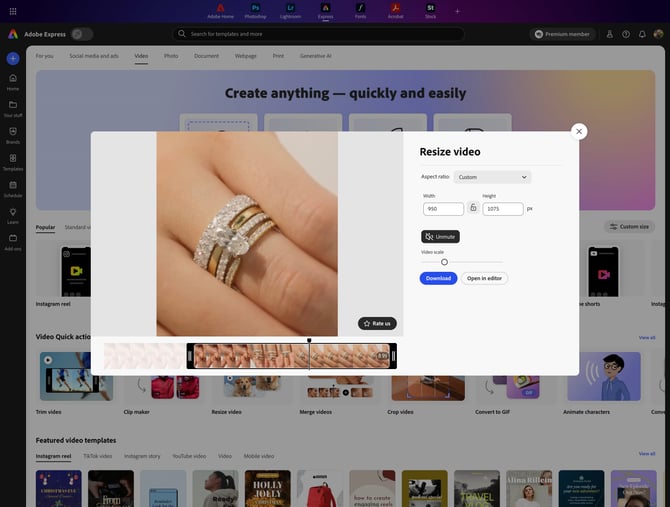
Add the Video to Your Banner
In PageBuilder, open the banner's image element. Add your screenshot as the cover image under Image, then upload the video under Video and turn on Autoplay and Loop. For the full steps, see Images.